


In this document, we will guide you step by step through the 3D printing cost calculator installation. If you have any concerns or questions about the installation, we will be happy to assist you personally. Just write us a message.
Unzip & install
Nach dem Download musst du das Archiv mit den Installationsdateien (.zip) entpacken. Neuere Windows-Versionen unterstützen dies direkt. Alternativ kannst du die kostenlose Software “7-Zip”, oder ein ähnliches Programm, verwenden.
Download: 7-Zip
After successfully unpacking the archive, the two installers are available:
- x64 (for 64-bit systems)
- x64 (for 32-bit systems)
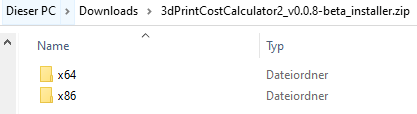
If you are not sure whether you have a 32- or 64-bit system, check out our Instructions . Here you will be shown how you can find out the necessary information.
Install 3D Print Cost Calculator
To start the installation, double-click the setup file. It doesn't matter which of the two files you start. Both perform the same installation process.
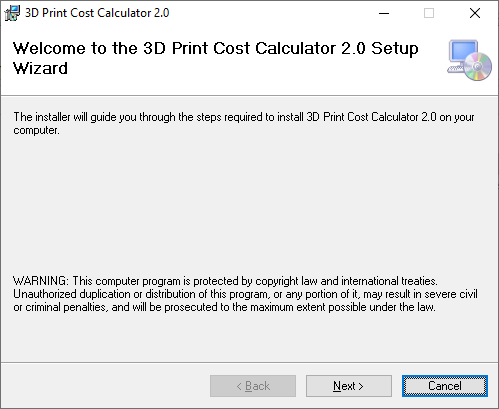
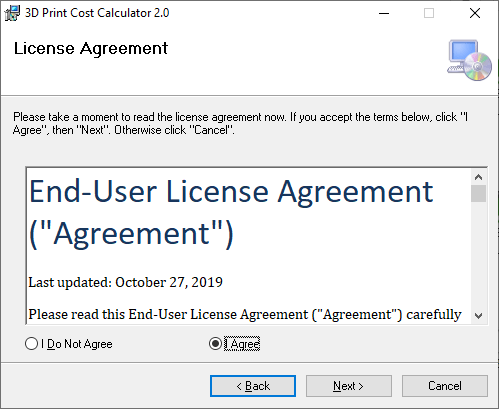
Please read our EULA (end user license agreement) carefully. If you have any questions, please do not hesitate to contact us at our contact page to disposal.
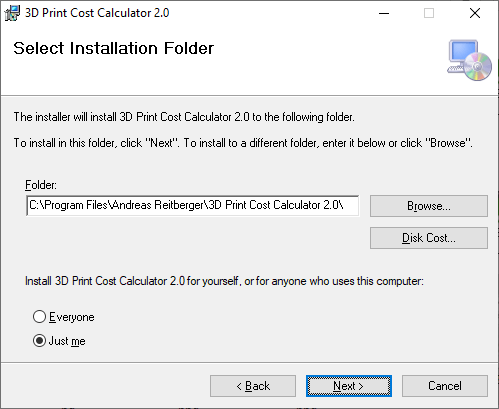
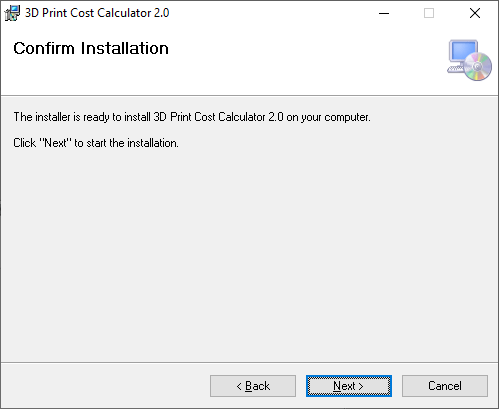
The installation of the 3D printing cost calculator is now complete and the tool can be used.
Security & authenticity
Our software is signed with a so-called “Code Signing Certificate”. This verifies that the software is from us and has not been changed since it was created. You can display the certificate by right-clicking on the application or installation file.
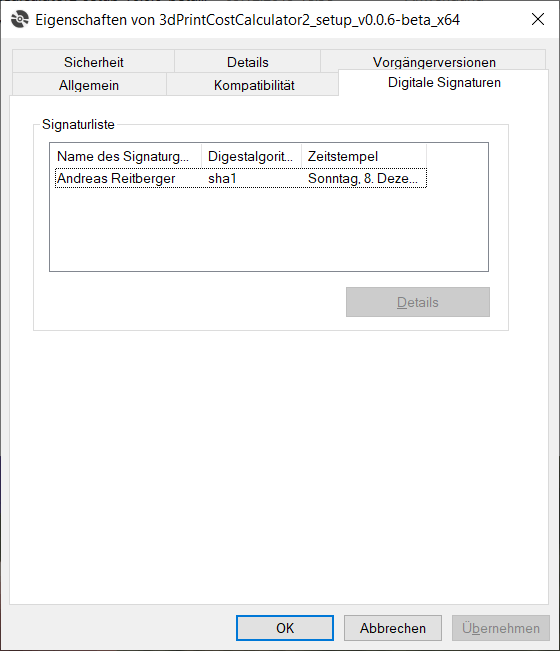
Please always check before installation whether the certificate is valid. If you have any doubts about the authenticity, contact us.